
[Masterclass]
Perform Advanced Analytics in Power BI
Data Modelling, DAX & Performance: The Blueprint for Scalable Reports.
22 - 23 April 2026
9:00am - 5:00pm
Menara Mutiara Central, Cheras Business Centre, KL
RM2,600.00 per seat (inclusive SST)
It is a HRD Corp Claimable Courses

PROGRAM INTRODUCTION
What you will learn
This advanced 2-day masterclass is designed for participants who have completed the Communicating Effectively with Power BI (Introductory) or equivalent experience. The workshop does not revisit basic data loading, basic data preparation, or visualisation best practices. Instead, it equips participants to structure data effectively, build robust analytical models, and create reliable calculations that support deeper analysis and confident decision-making. Participants will also design interactive reports that allows users to explore, filter, and investigate data with clarity.
Learning Objectives
Structure and consolidate complex datasets into scalable, analysis-ready models
Develop reusable, filter-aware metrics that handle diverse business logic and scenarios
Design robust schemas with clear relationships and consistent filtering for reliable reporting
Create intuitive, interactive reports that empower users to explore and investigate data with ease
Our Facilitator
Your Guide to Data Mastery

KYRA SZE transforms operational complexity into clarity. A Chartered Accountant (CA ANZ) bridging the gap between finance and operations, Kyra specializes in helping logistics and warehousing teams streamline processes through data. She trains professionals across national supply chain networks, using Microsoft Excel and Power BI to drive performance and strategic visibility.
Her training is highly practical and grounded in real-world challenges, ensuring participants leave with the ability to immediately improve resource planning, demand forecasting, and day-to-day analysis.
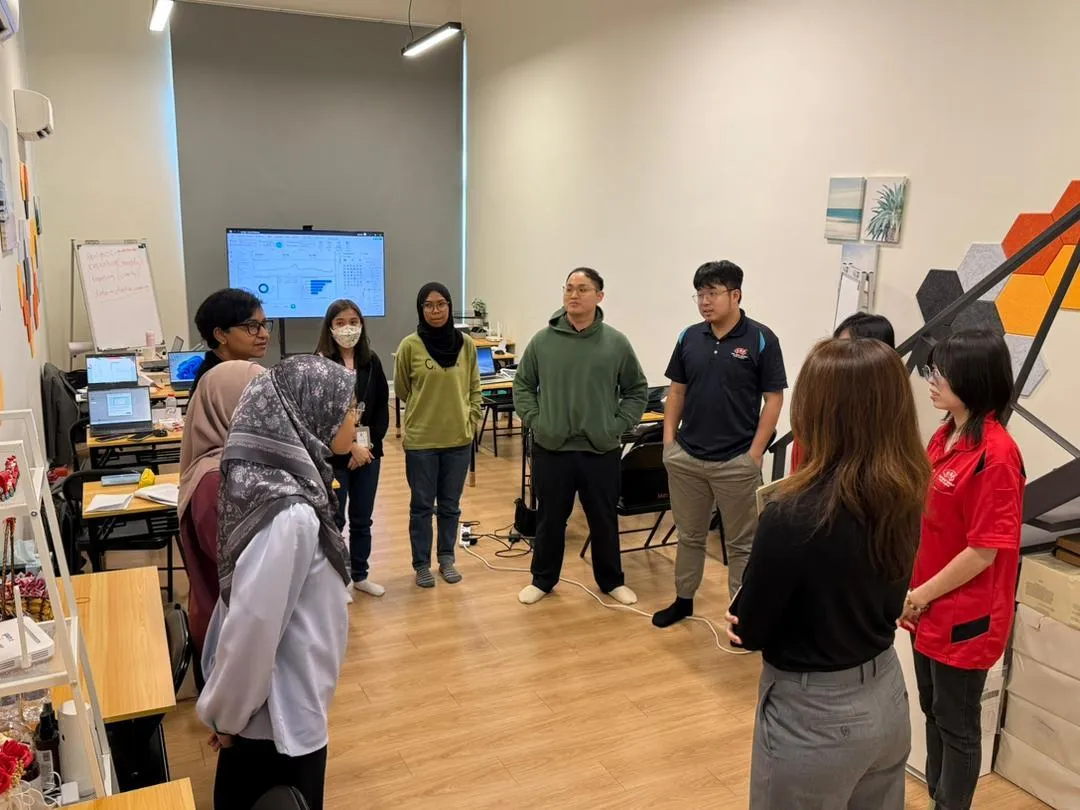
The Training Experience







The Modules
What topics will be covered?
| No | Topic Title | Topic Description |
|---|---|---|
| 1 | Module 1: Advanced Data Shaping (Power Query) |
|
| 2 | Module 2: Combining & Structuring Datasets |
|
| 3 | Module 3: Analytical Data Modelling Concepts |
|
| 4 | Module 4: Schema Design, Relationships & Filter Behaviour |
|
| No | Topic Title | Topic Description |
|---|---|---|
| 5 | Module 5: Analytical Expressions & Calculation Design |
|
| 6 | Module 6: DAX Architecture & Measure Design |
|
| 7 | Module 7: Core DAX Functions for Analytical Scenarios |
|
| 8 | Module 8: DAX Filter Logic & Ranking Analysis |
|
| 9 | Module 9: Advanced Report Interactivity & Analysis Navigation |
|
Copyright © 2026 Envolve Alliance Sdn. Bhd. All Rights Reserved.


